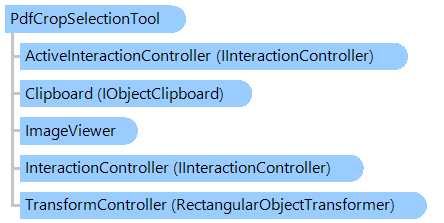
PdfCropSelectionTool Class
In This Topic
A visual tool for cropping of PDF page or image in image viewer.
Object Model
Syntax
Remarks
Rectangular region of PDF page or image in image viewer can be cropped as follows:
- place the mouse to the desired position
- press the action button (ActionButton) and select the "crop" region by holding the action button
- press the action button inside the "crop" region for cropping of image; press any mouse button outside of the "crop" region for canceling cropping of image
If ActionButton is set to right mouse button, context menu during action can be disabled with the DisableContextMenu property.
Inheritance Hierarchy
System.Object
Vintasoft.Imaging.UI.VisualTools.VisualTool
Vintasoft.Imaging.UI.VisualTools.UserInteraction.UserInteractionVisualTool
Vintasoft.Imaging.UI.VisualTools.RectangularSelectionTool
Vintasoft.Imaging.UI.VisualTools.CropSelectionTool
Vintasoft.Imaging.Pdf.UI.PdfCropSelectionTool
Requirements
Target Platforms: .NET 10; .NET 9; .NET 8; .NET 7; .NET 6; .NET Framework 4.8, 4.7, 4.6, 4.5, 4.0, 3.5
See Also